16 November 2026
How to flag theft risk on idle equipment sitting too long in a yard
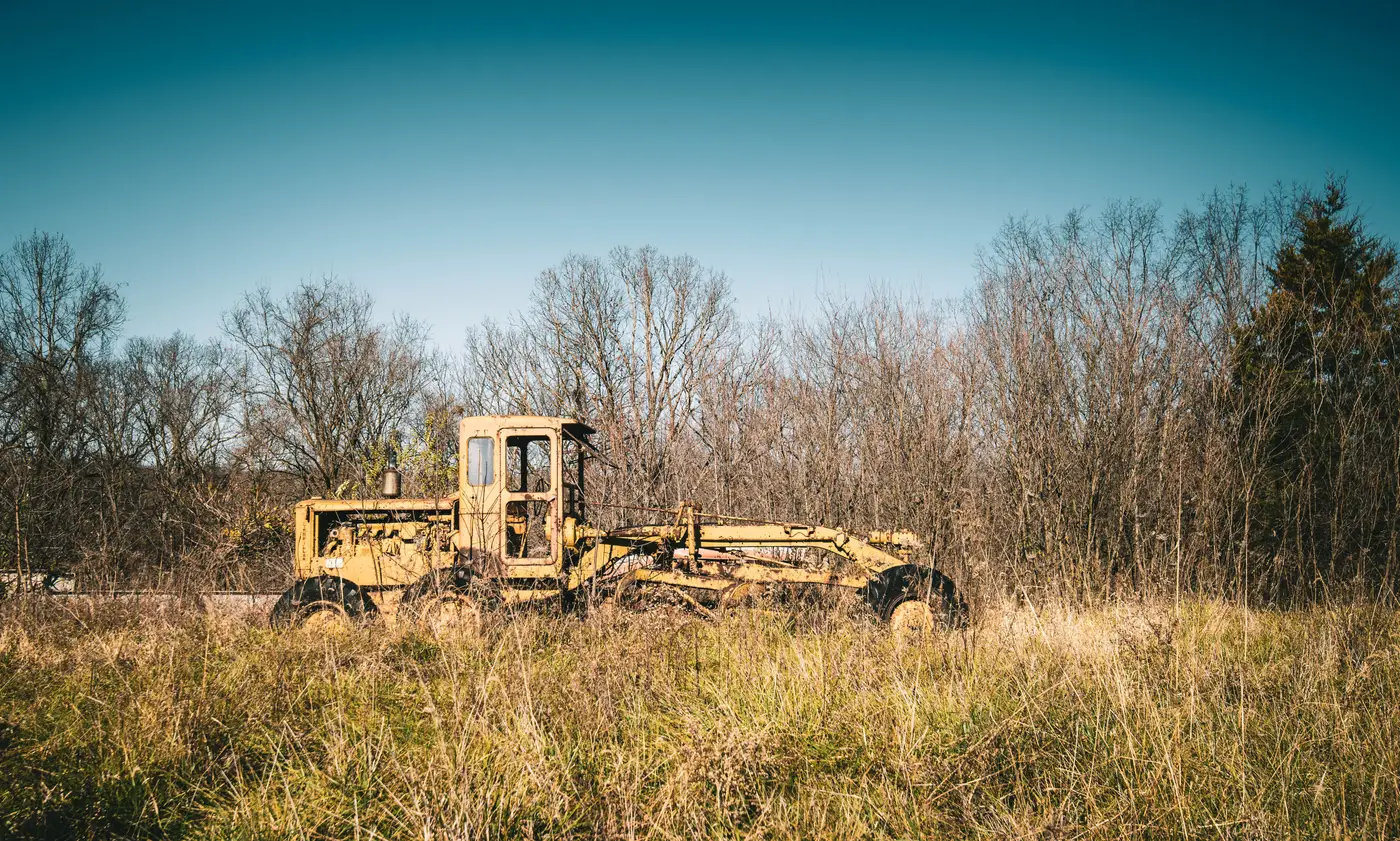
A unit doesn't get stolen out of a busy staging area with trucks loading all day. It gets stolen from the back corner of the yard, three rows past the lighting, where it's been sitting since the last job wrapped and nobody's walked past it in two weeks. Idle time and theft exposure track together almost exactly. The longer a machine sits without being touched, the longer the window for someone to cut a fence, swap a VIN plate, or just drive it out during a shift change when the gate log isn't being watched closely.
Most yards don't find out a unit is gone until someone goes looking for it, usually because a branch finally pulled the trigger on a redeploy or a customer called asking why their reserved skid steer never showed. By then the trail is cold. Catching this early means knowing which units have gone quiet long enough to become a target, then checking on those specific units before the gap turns into a loss report.
Why idle time is the leading indicator, not the camera feed
Cameras and fencing are perimeter controls. They tell you if someone got in. They don't tell you which unit is worth watching closest. A yard with 200 units and six cameras can't put eyes on every row every day, so the question isn't "is the yard secure," it's "which 15 units in this yard have been sitting untouched long enough that nobody would notice for weeks if they disappeared." That's a different list than "which units are oldest" or "which units are due for PM." It's a utilization question wearing a security hat.
If your telematics coverage is spotty, which it is for most mixed rental fleets once you count older units, rented-in equipment, and gear that's had its modem pulled for cost, you're already flying blind on utilization. Theft risk is just the sharp edge of that same blind spot. A unit telematics can't see is also a unit nobody's physically checking.
Setting a practical idle-time threshold
Start simple. Pick a cutoff, in days, past which "parked" starts to look like "forgotten." For most yards that's somewhere between 10 and 21 days, shorter for high-value attachments and smaller equipment that's easier to load onto a trailer unnoticed, longer for the big iron that needs a lowboy and daylight to move. Flag anything past that threshold for a physical walk or a documented check-in, not a full audit, just confirmation the unit is where the yard sheet says it is and hasn't been cannibalized for parts.
The hard part is knowing, across multiple yards, which units have crossed that threshold. A branch manager tracking this on a spreadsheet updated from memory is going to miss units parked at the far satellite lot nobody drives through. That's the gap between a policy on paper and something that catches a unit before it's gone.
What to confirm before you call it a theft
Before escalating to a police report, rule out the boring explanations. See if the unit got moved to a different row during a yard reshuffle and the paperwork lagged. Confirm it isn't sitting on a different lot that shares a gate code with the main yard. Ask whether a branch borrowed it for a rush job and the transfer never got logged. Idle-flag tools that compare a unit's position and the ground around it between passes are good at surfacing "this hasn't moved and nothing's happened near it in weeks," which is exactly the signal worth a five-minute walk before anyone calls it stolen. That's a much better use of a yard supervisor's morning than walking every row on a hunch.
Asset Utilisation Monitor was built for the part most fleets are missing, a weekly map layer that flags which parked units are truly idle across every yard, independent of whatever telematics coverage you do or don't have. If a unit's been sitting that long, it's worth knowing before someone else notices first.
Get in touch to see what it would flag in your own yards.