7 October 2026
How to audit a rental yard without walking it
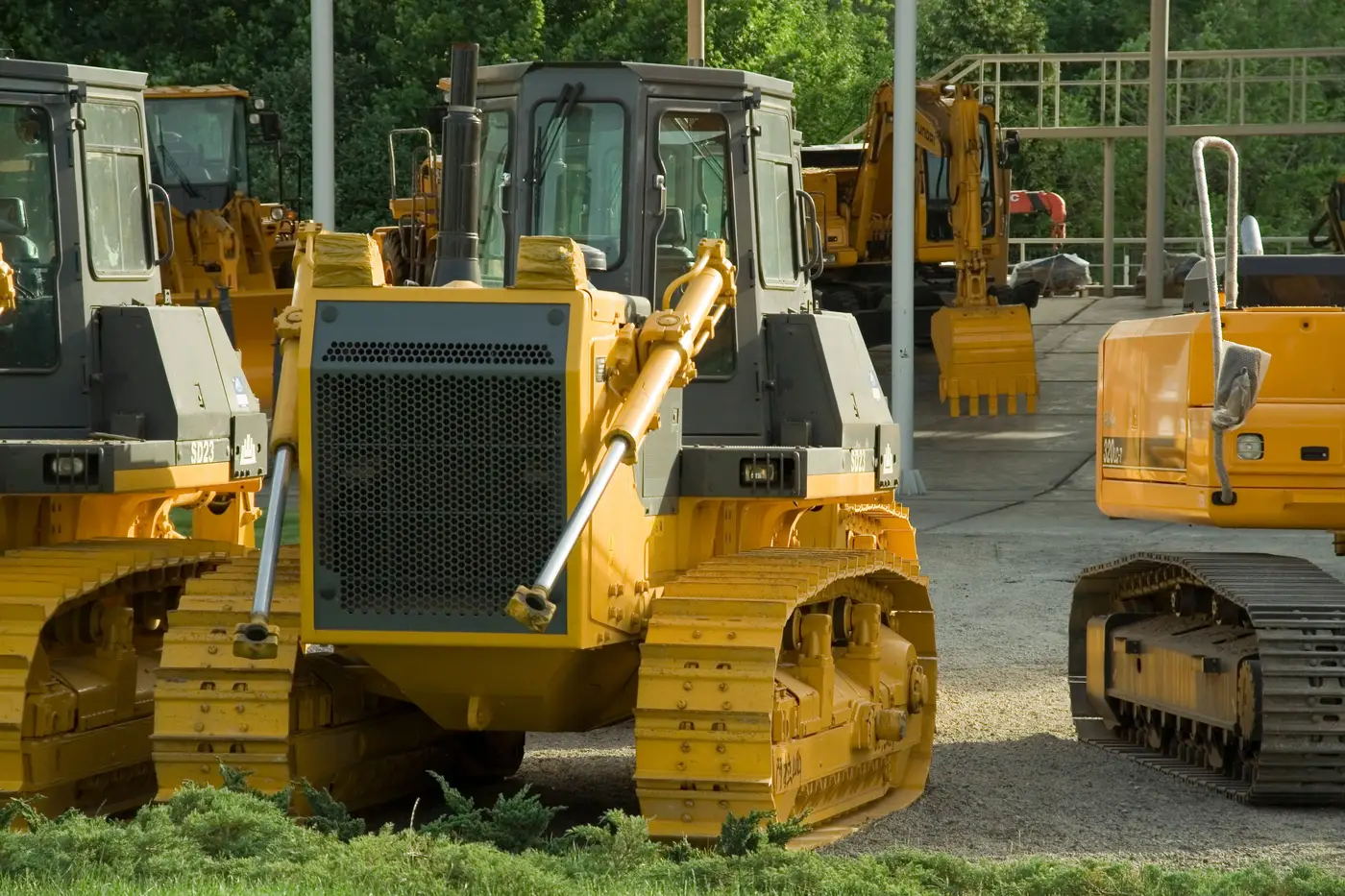
A regional manager covering ten yards doesn't have a free Tuesday to walk every row of equipment with a clipboard. But the count still has to happen, because the alternative is guessing which units are earning their keep and which ones are just taking up gravel.
Most fleets fall back on one of two methods when telematics coverage has gaps: someone drives out and does a windshield survey, or someone in the office tries to reconcile utilization reports that only cover the units with working modems. Both have the same problem. They're slow, they're manual, and they miss the exact units you need to find, which are usually the ones nobody's checked on in a while.
Why the walk-the-yard count stops scaling
A single yard audit isn't hard. Walk the rows, note what's there, note what's moved since last time, flag anything that looks parked. The trouble starts when you're doing this across a dozen yards spread over three states, on a schedule that competes with everything else on a fleet ops manager's plate.
Telematics was supposed to solve this, and it does for the units that have it, report it reliably, and stay charged. In practice a lot of rental fleets are running mixed equipment. Older units, rented-in units, units where the modem died eighteen months ago and nobody filed the ticket. Reconciling a spreadsheet of partial telematics data against what's actually sitting at each yard takes almost as long as driving out there, and it still leaves blind spots.
What a remote yard audit can actually tell you
Two overhead images of the same yard, taken a week or so apart, and a way to compare them, is all the workaround needs.
Here's the logic: a unit that's working leaves evidence. The ground around it gets disturbed, material gets moved, tracks change, something shifts. A unit that's parked looks the same in week two as it did in week one. Position plus the disturbance pattern around it is enough to sort "this is earning revenue" from "this hasn't moved."
That's the basis for Asset Utilisation Monitor. It's a weekly imagery comparison across your yards, delivered as a map layer that flags which units look idle and which look active without needing a signal from the machine itself. Resolution is half a meter or better, satellite or aerial, refreshed on a weekly cadence. No thermal, no telematics dependency, just two passes compared against each other.
For an equipment yard inventory check, this means you get a flagged list of idle candidates before you send anyone out, not after. A regional manager can look at the week's layer, see which units at the Phoenix yard haven't moved in three passes, and decide whether that excavator gets redeployed to the job site that's been asking for one or gets listed for sale, without a single windshield survey.
What it won't do
It's worth being straight about the limits. This isn't a fault-code reader and it won't give you engine hours or tell you why a unit is sitting still, whether that's a mechanical issue, a contract that ended, or nobody's gotten around to moving it yet. It flags idle versus active at the yard and lot level, on a weekly refresh. The follow-up call or the maintenance ticket still happens on your end.
What it replaces is the part of the process that used to eat a day of driving or a stack of unreliable reports: knowing, yard by yard, which units are candidates for a second look. That's the gap between "we think utilization is around X" and "here's the list, sorted by yard, for this week."
If your telematics coverage has holes, or you've stopped trusting the data it does send, a weekly comparison from the air fills that gap without adding another system to the trucks. Take a look at how Asset Utilisation Monitor flags idle equipment across your yards.